
I keep getting this error that says, Windows is shuting down to prevent damage or sumthing then it says the error orrur in file ntfs.sys If this is you first time seeing this error please restart you computer and try again. I have used 3 different windows xp cds and it still stops at the part where the its copying. i also went out a bought a new hard drive thinking it was that but i am still get this **** error i am getting REALLY frusterated. Please help ASAP.
-
Last edited by blackclown; 03-05-2005, 03:12 PM.
good trades: caliwagon31, coffey[NITRO], dnxleemz, B.C.,CoolHand, RogueFactor
automags.org backwards -
Upgrade or fresh install?
-
Looks like you have a corrupted version of windows...
The ntfs.sys is the the disk formating -- if that is bad, then you are screwed. Call MS and get a clean copy.Comment
-
reformating because i jsut got new mobo, it can't be corrupted because i have used 3 different cds on my computer
good trades: caliwagon31, coffey[NITRO], dnxleemz, B.C.,CoolHand, RogueFactor
automags.org backwardsComment
-
swap out the memory...most likely it is no good. Been there...done that. If that doesnt do it check here... http://support.microsoft.com/?kbid=228888Comment
-
Actually it may have to do with what OS you are on now. If you are running 98 then you will have to do a clean install. IE deltree, reformat, then install onto a clean disk.
Win98 uses fat32 file system. NTSB isn't compatible so when you are trying to install it can't read the new file system.Comment
-
I thought you have a NEW hard drive? XP should create a partition and format it for you on a new install. As stated above, there can be no reference to a Fat file system or it wont install. Re- format the drive and try it again.Comment
-
First, try a different CD-ROM drive. Are you trying 'legit' copies of the XP install CD, or is this a CD-R? Is your CD-ROM drive SCSI, IDE, or SATA? How about the new hard drive? If it's a non-standard or new format (such as SATA) you will probably need to load both a CD-ROM driver and MoBo driver.Originally posted by Tunaman
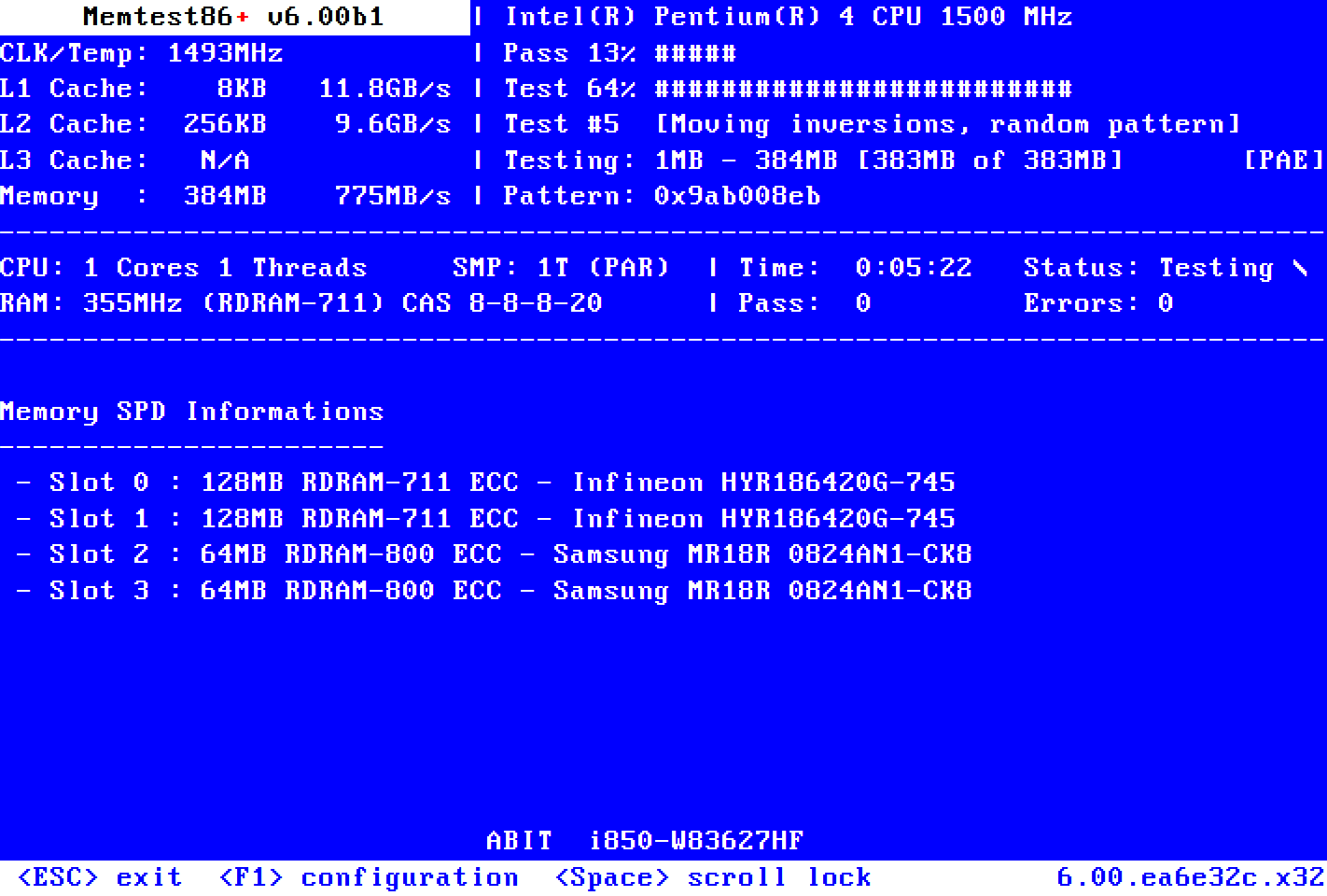
If it's not any of the above, follow Tuna's suggestion. Check and/or swap memory. Since you're posting on AO you obviously have access to another comp that does work? Make a MemTest86 boot disk and run it over night.
Go here to get an image for a bootable floppy:
Try here to get an ISO image to make a bootable CD:
Comment
-
i have a Brand new Harddrive and my other hard drive had windows xp on it before
good trades: caliwagon31, coffey[NITRO], dnxleemz, B.C.,CoolHand, RogueFactor
automags.org backwardsComment
-
If you have a good CD, swapped your drives - most likely a motherboard problem. I disagree with bad memory - it's possible, but unlikely.
Comment
-
Do you have a Hard rive utility disk that came with the new drive? If so, run that to set up the drive and then re-boot to the cd rom with xp in it and it should install.Originally posted by blackclownComment
-
You can get MS WinDiag too from Microsoft.com - it works pretty good.Originally posted by DrydenComment
-
This might have been true a long time ago - no longer applies.Originally posted by TunamanComment
-
Did you replace just the motherboard? Are you re-using your old ram with a new/different mobo?Comment
-
I don't have a floppy drive, and i tried formated my hard drive from my CD and it worked but as soon as i started my windwos xp cd it was copying the files for windows and the error came up. Then i tried 2 just install the mobo cd because it said make ur the new softwar or hardware is properly installed. It didn't load but then i got a error thta said like Missing NTLDR
yah i just got this mother board and i am uring the same Sticks of ram from my Dell
good trades: caliwagon31, coffey[NITRO], dnxleemz, B.C.,CoolHand, RogueFactor
automags.org backwardsComment





Comment